Choose a Portable SSD for the Work It Has to Finish
A portable drive can ace a short speed check and slow halfway through a real project. Measure sustained work, heat, connection quality, and safe recovery.
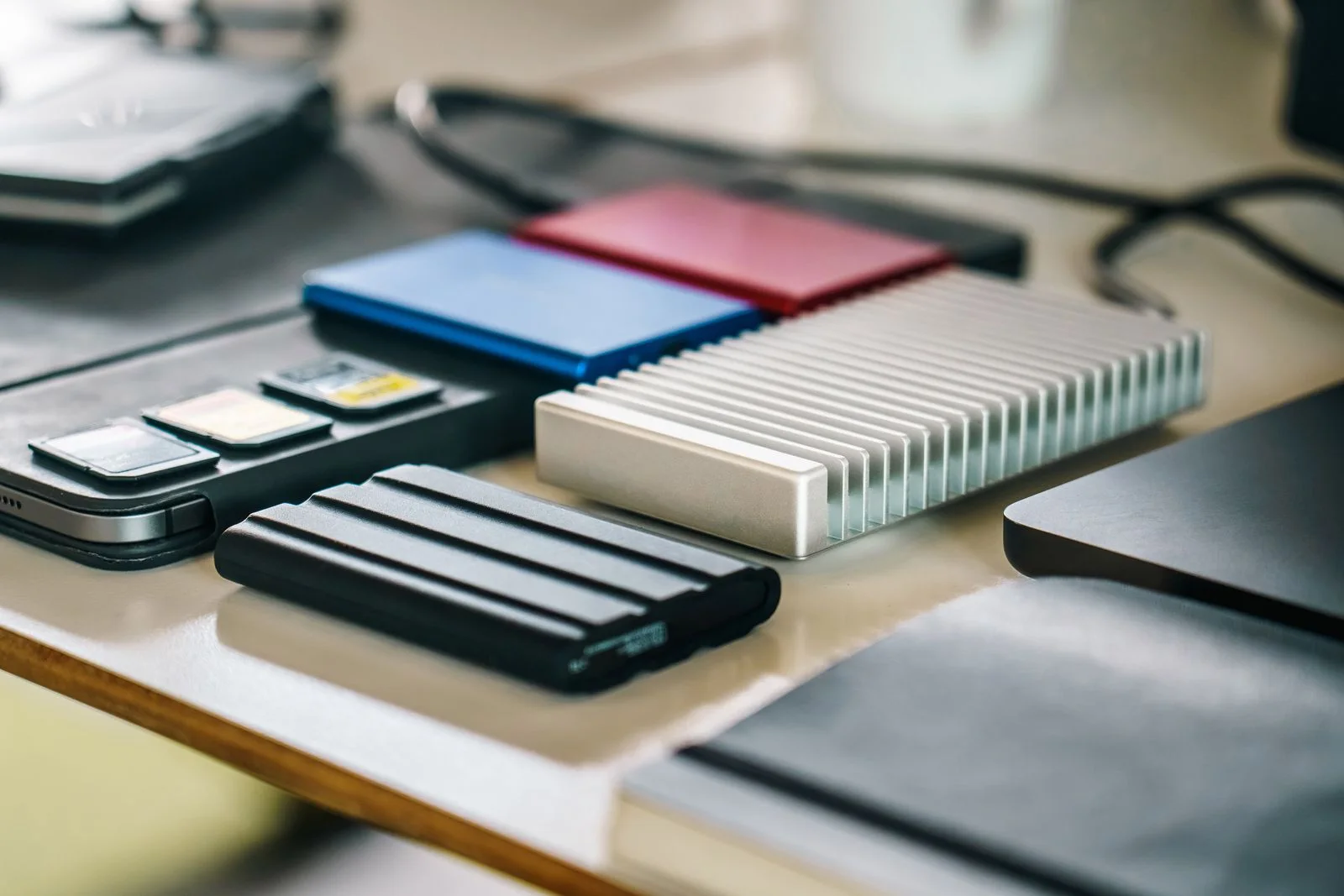
A copy window starts with an impressive number. Ten minutes later the estimate has tripled, and the small drive on the desk feels much warmer than it did when the job began. A fast burst is useful for a few documents. A long project needs storage that remains predictable after its first several gigabytes. Try the drive with the kind of work you expect it to finish and judge the part of the job you usually have to wait for.
Separate three categories of workload. One is a large sequential write, such as creating a single substantial export. A second is opening and saving numerous small project files. A third is editing directly on the drive, which can mix reads and writes while an application keeps previews and scratch data somewhere else. A drive can be excellent at one of those things and ordinary at another. Measuring the project you repeat gives the right kind of evidence for a purchase.
Start by establishing the connection
Read the published specification of the exact computer port, cable, and drive. The slowest supported link can determine what both devices can do together. A docking station, adapter, or monitor with passthrough ports may add a lower capability or share bandwidth with other devices. Use a known compatible direct link as a reference before comparing the real desk setup. Keep the cable that came with the drive nearby if the maker supplies one.
Look for active connection information in the system utility or supported software when it is available. A port advertised with one capability can negotiate a lower speed with a different cable or attached device. That change can make two very different drives look identical. Label the cable at both ends if you have several similar leads. A practical measure of a portable drive is how easily you can keep the correct connection with it as the desk and bag change.
Check the storage format separately. Different operating systems support different read, write, and permission features. Choose a file system suited to your devices, expected file sizes, and supported recovery tools. Formatting erases data on the selected volume, so confirm you are working with an empty test device and read the current system instructions before changing it. A drive used by two devices requires the second machine's approval as much as high performance on the first.
Use a long workload you can safely repeat
Create or copy a nonessential collection that is large enough to resemble the work you intend to do. Keep an independent original. Test one large file and a folder with many smaller files. Set aside enough room on both the source and destination, then time from the start to the point the operating system says the copy has finished. After a copy, eject according to the platform's normal process. That catches work involved in closing the session that an early speed display may not reveal.
Watch the first minute and a later portion separately. A device can initially write into fast free space and reduce its rate when that space is used. A computer may also buffer a short write in memory. If the job slows, note when that started and how it behaved during the later portion. The change could come from the drive, host, or source. Keeping the same source and direct path makes a comparison between two destinations easier to interpret.
Use a file stored on a suitable internal disk as a reference. If the source is reading from a slow external device or network share, an excellent destination cannot make the source provide data earlier. Check performance reading the same file from the portable drive later. A different pattern on reading and writing suggests that they deserve separate forecasts. The hour before a deadline is a poor time to learn which direction the slow part points.
Record what changes as the drive fills
Many drive comparisons start with empty storage. An ordinary project can leave your drive mostly used while a second export still needs room. Repeat a meaningful test at the sort of occupancy you expect to maintain. Add only disposable test material and keep ample space for system operations and recovery. Read the maker's recommendations on free space and use an approved tool if its software reports health or capacity details that affect interpretation.
Use the same project twice with a sensible gap. A second write immediately after the first can land while the device is still working internally, or when its case is already warm. A slower result in that situation may describe your busiest day more accurately than a single run with a cool device. If real work arrives in batches, model those batches. A system that finishes one job easily can show a different average when the next one starts fifteen minutes later.
Choose a stable place for the drive. Some metal casings dissipate heat through the surface you touch. Enclosing the unit in a stack of papers, a padded pouch, or an unusually hot space can change conditions. Follow the manufacturer's operating limits and remove the drive from its storage pouch when appropriate. Never use an improvised cooling treatment involving moisture or another source of damage. A stable surface with ordinary airflow is a useful comparison baseline.
Measure application time as well as copy time
Open a representative project stored on the drive. Observe time to first usable view, time to save, and behavior while switching between assets. A program can keep its library, cache, previews, and exports in different places. Determine which parts really touch the portable drive. If a slow operation writes its scratch files to the internal disk, changing the portable drive may have little effect on that stage.
Run the same project from a known local location as a reference. Keep the same asset paths if the application supports switching them safely, and avoid overwriting the working copy. Watch which operations become smoother and which take the same amount of time. Decoding a complex file or exporting a specific format can demand more from the processor than from storage. The comparison explains how much a storage improvement can plausibly change the complete project.
Read application guidance on keeping concurrent copies before making a travel version. Some programs support explicitly moving or relinking an entire project. Others expect a package that includes analysis data and media references. A fast storage connection has limited value if the portable copy opens slowly while searching for references left on a former computer. Prove that a small test project opens after the source disk is made unavailable in the application's normal workflow.
Put reliability into the physical arrangement
Try the drive in the position it will occupy on the desk. A short stiff cable can pull sideways on a small connector, and a hanging cable can move when somebody walks past. Use a layout where both ends fit naturally and leave the drive supported. Keep it on a stable surface when attached. If you move between rooms, close the files and eject through the operating system before unplugging. A drive that travels unplugged has fewer opportunities for a connector or the active file system to fail.
Check how the system behaves after sleep, and how you can tell whether it has safely finished a write. Confirm an ordinary read after wake. If the drive disconnects unexpectedly, stop the current task and inspect the log or status the application provides before trying another write. Use the manufacturer's support route and test a known connection. Repeatedly restarting the same large export without understanding the disconnect can conceal a problem until it reaches something irreplaceable.
Keep a working copy separate from the original unless the project has a robust backup elsewhere. Use a documented safe encryption setup for sensitive work and keep recovery information in a secure separate location. Verify access on the computers that actually need it. The drive's wear report or warranty says little about the cost of a file loss when the only copy travels in the same bag as the laptop.
For work on the road, note whether a heavier drive or longer cable creates a different failure mode. A long lead may be easy to route around a quiet desk and impossible to keep out of the way on a folding table. If the task has an offline leg, open the expected files with the network detached while you still have time to correct a missing copy. Verify the source and result after returning to the desk, especially if you worked on the project from several devices.
Buy against a wait you can remember
Write down how long a repeatable job took on the old setup and on the candidate. Include its connection, the amount already stored, and whether a second job ran immediately after the first. The useful figure is the time between asking for the real project and being able to move on. An impressive peak tells only part of that story.
A sensible portable SSD has a clear place in your day. You know which cable to grab, how much working room to leave, and when a heavy job will finish. You might be able to choose a smaller model with a stronger sustained result or keep a slower, spacious drive for archive copies that rarely have a deadline. The decision depends on which operation keeps a person waiting today.